
Fleet expense tracking
Fleet expense tracking without the spreadsheet.
Fuel, repairs, insurance, tolls, parking and fines: every cost your vehicles generate lands in one place, attached to the right vehicle. Drivers capture receipts with their phone, AI reads them, and you see what each vehicle really costs, per month and per kilometre.
The problem
Why fleet costs are hard to see
Receipts arrive late, or never
Drivers keep paper in the glove box, forward blurry photos or hand in a pile at the end of the month. Costs land in the wrong period, or not at all.
Spreadsheets don’t scale
Someone types every amount by hand, matches it to a vehicle and fixes the typos. With ten vehicles it is a chore. With fifty it is a part-time job.
Totals hide the problem
A monthly fleet total tells you spending went up. It doesn’t tell you which vehicle, which category or which team is responsible.
How it works
From receipt to report in three steps
- 01
Capture
The driver photographs the receipt or invoice in the CarFai app, right after paying.
- 02
Extract and file
AI reads the amount, vendor, date and category, and files the cost against the vehicle the driver is assigned to.
- 03
Review and report
Managers see costs roll up per vehicle, team and period, and export them for the accountant.
What you get
Every cost, on the right vehicle
Cost per vehicle and per km
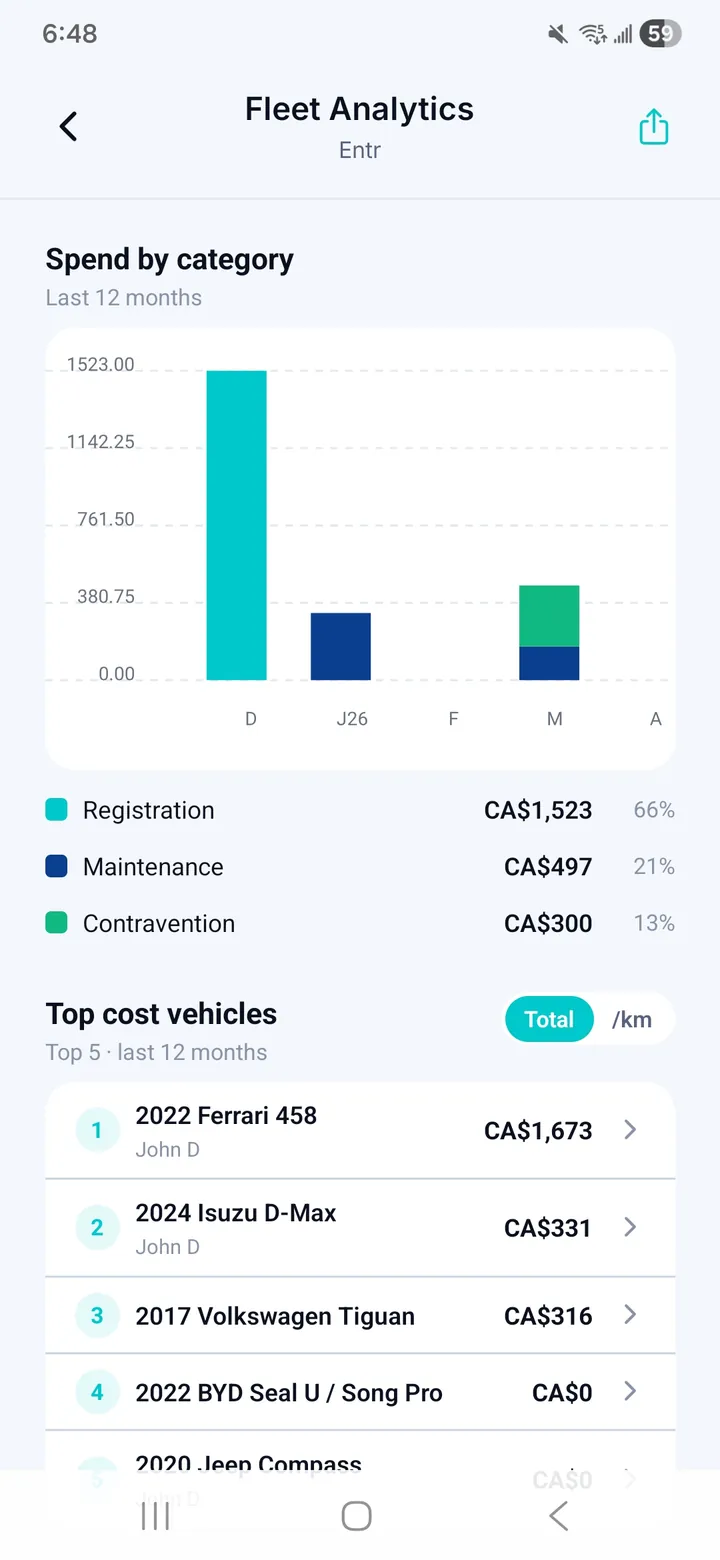
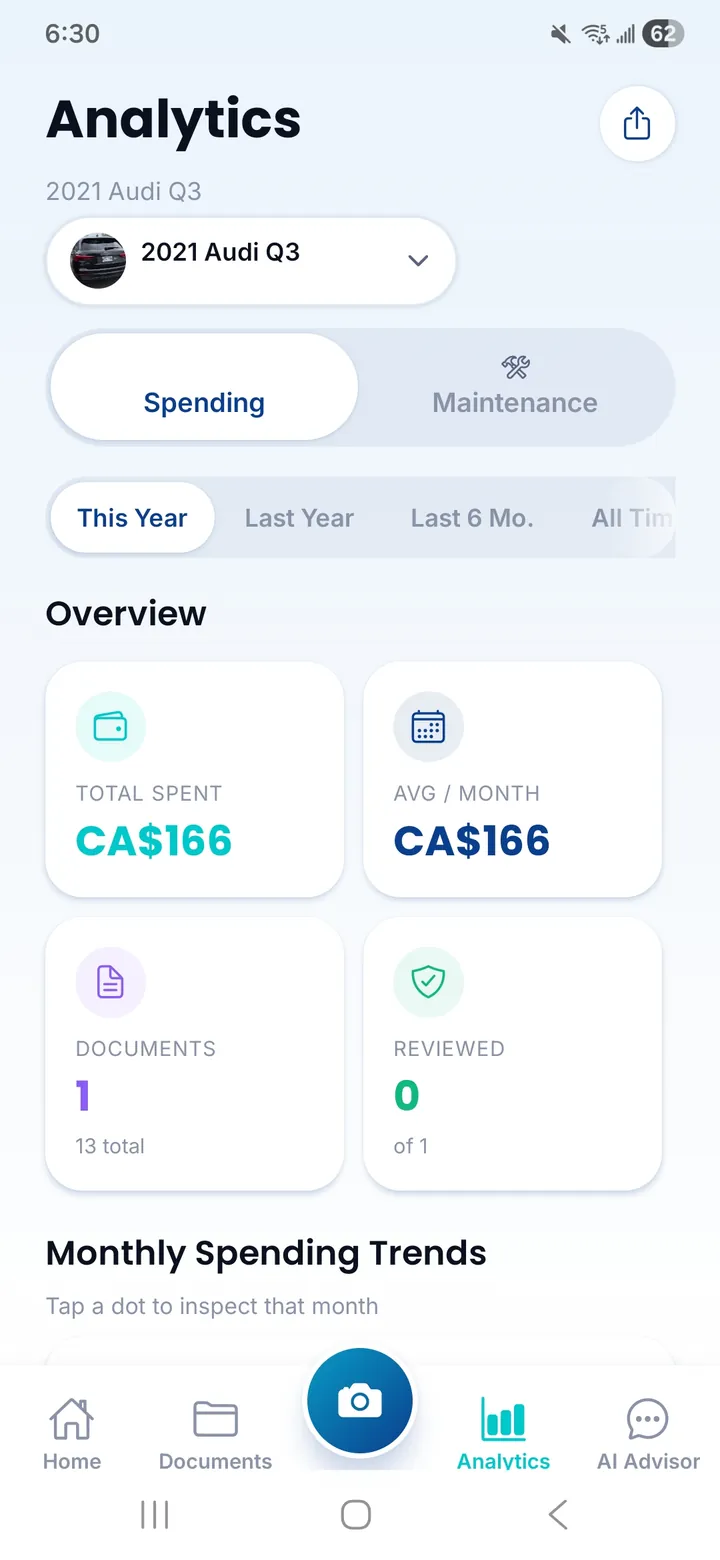
Every expense rolled up per vehicle, with a cost-per-kilometre view so vehicles of different ages and mileages compare fairly.
Spending by category
Fuel, maintenance, insurance, parking, tolls and fines, broken down by period so you can see what drives the budget.
Cost leaderboard
The vehicles that cost the most, ranked. Spot the one that drifts before it becomes a budget problem.
Line-item detail
Invoices are read down to the line item, so a repair bill shows its parts and labour, not just a total.
Exports for your accountant
PDF and CSV exports per period, by vehicle or by category, ready for bookkeeping and tax season.
Read-only access for finance
The Viewer role lets an accountant or auditor see the numbers without being able to change them.
Questions fleet managers ask
Which expenses can CarFai track?
Anything with a receipt or invoice: fuel, repairs, maintenance, insurance, registration, parking, tolls, fines and parts. Each one is filed against a vehicle and a category.
Do we still need a spreadsheet?
No. Costs are captured, categorised and totalled in CarFai. If your accountant works in a spreadsheet, export the period to CSV.
How is cost per km calculated?
CarFai divides a vehicle’s costs over a period by the kilometres it drove, so a high-mileage van and a low-mileage car compare fairly. Our guide on cost per kilometre explains the full method.
Can drivers see the costs of other vehicles?
No. Drivers only see the vehicles assigned to them. Managers see their own team, and owners and administrators see the whole fleet.
Does it work with our accounting tools?
Reports export to PDF and CSV, formats that any accountant or accounting software can work with.
Related guides
More fleet features
- Fleet maintenance planned from real service history.
- Fuel receipts, captured on the road and filed automatically.
- Every vehicle document in one place, with reminders before they expire.
- Fleet reports that answer questions, not just add up totals.
- A driver app your team will actually use, and a fleet that stays yours.
- Fleet overview
See what every vehicle really costs.
Start with your own vehicles and your own receipts. Plans for fleets of 3 to 200+ vehicles.